Look your best on every stream and call.
Natural skin smoothing, real teeth whitening and eye colour, live on your webcam in full quality. Works in OBS, Zoom, Teams, Google Meet and TikTok Live Studio.
No subscription. The free trial never expires, it just shows a small HaloCam badge.

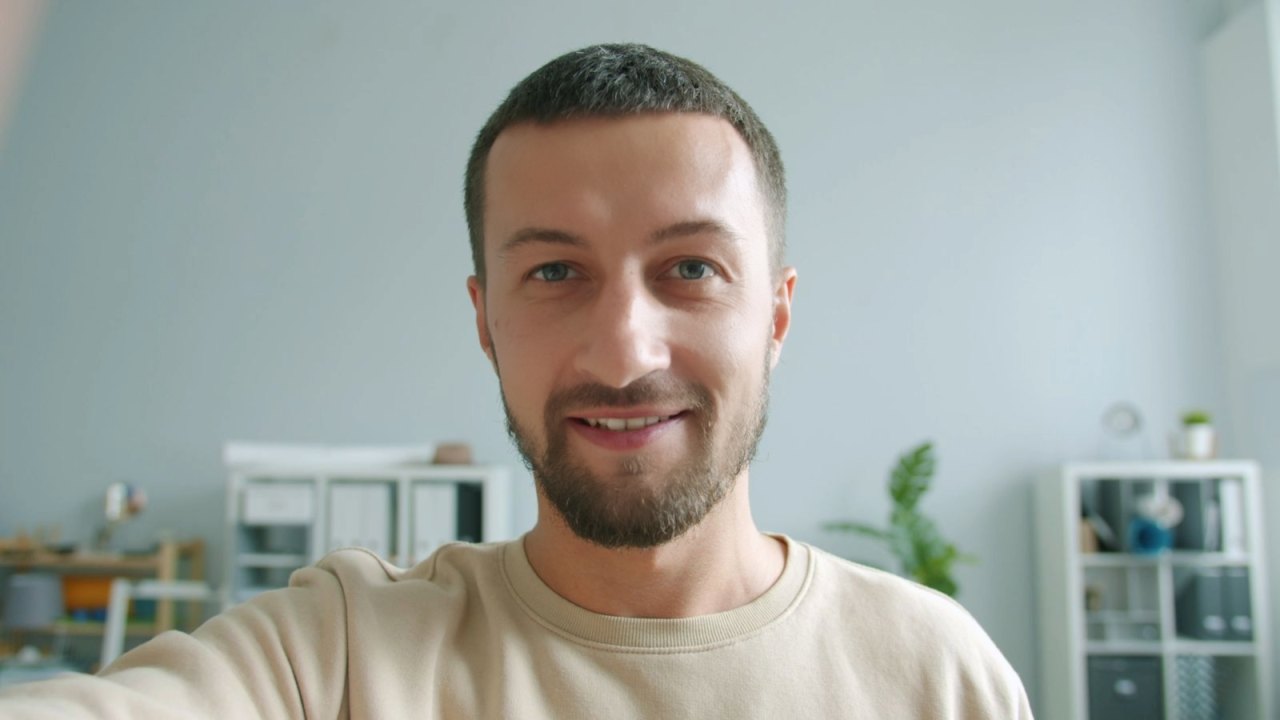
Made for creators, built to look real.
Skin that still looks like skin
HaloCam finds 468 points on your face and smooths only the skin, never your eyes, brows, lips or beard, and keeps a touch of natural texture.
Real teeth whitening
Removes yellow from your teeth only, not your lips or gums, and keeps them a natural white, never grey or blue.
Eye colour
Blue, ice, green, hazel, grey, brown or violet. It follows your eyes as you move and keeps your iris's own detail.
Full quality, no cap
Uses your camera's full resolution, right up to 4K at 60 fps. HaloCam never shrinks your picture.
Your colours, untouched
Outside your face, the picture stays exactly as your camera made it. No washed-out or orange look.
Private by design
Everything runs on your own PC's graphics card. Your video is never uploaded anywhere.
A new look in one click.
Choose a colour and set how strong it is. HaloCam keeps your pupils, reflections and eyelids exactly as they are, so it looks real on camera.
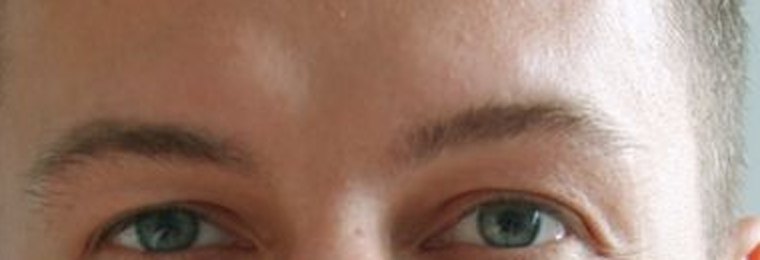
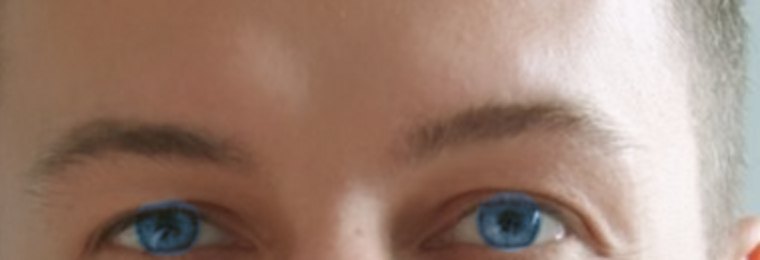
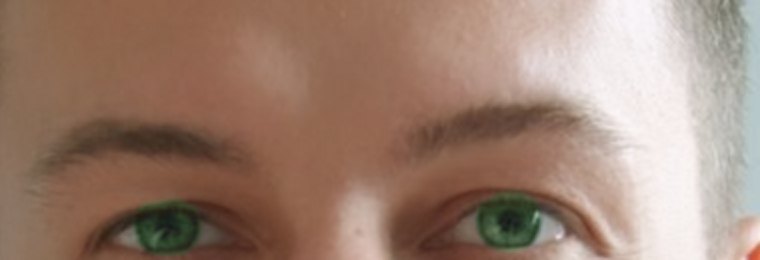


Brighter smile, fresher eyes.
Teeth whitening and brighter eye whites, each with its own slider, plus soft glow and four ready-made looks: Off, Natural, Soft and Studio.
Set up in two minutes.
Install HaloCam
Download and run the installer. HaloCam picks up your webcam automatically.
Choose your look
Pick a look and fine-tune the sliders while you watch yourself in the live preview.
Select "HaloCam" as your camera
In OBS, Zoom, Teams, Meet or TikTok Live Studio, pick HaloCam from the camera list. That's it.
- Removes the trial badge, for life
- All features and future 1.x updates
- Use it on your own PCs
- Your key appears instantly and is emailed to you
Secure South African checkout by iKhokha.
PayPal account or any card.
Try it first: download the free trial.
FAQ
What do I need?
A Windows 11 PC and a webcam. A graphics card from the last few years runs it smoothly; HaloCam does the heavy work on the graphics card.
Which apps does it work with?
Any app that lets you pick a camera: OBS Studio, Streamlabs, Zoom, Microsoft Teams, Google Meet, Discord, Skype, TikTok Live Studio and more. Just choose "HaloCam" as your camera.
What does the free trial include?
Everything. The only difference is a small "HaloCam TRIAL" badge in the corner of your video. Buy once and the badge disappears for good.
Does it lower my video quality?
No. HaloCam uses your camera's full resolution (up to 4K) and frame rate (up to 60 fps), and gives the apps exactly the size they ask for.
Is my video sent anywhere?
Never. All processing happens on your own computer.
I lost my licence key.
No problem. Get it emailed to you again.
Does it work on Mac or Windows 10?
Not yet. HaloCam uses a camera feature that only Windows 11 has.